
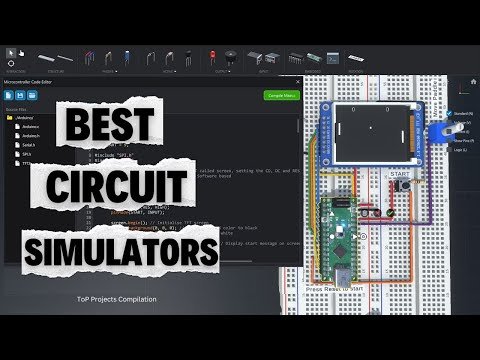
Check out the 10 Best Circuit Simulators to try in 2025!
EdrawMax makes it easy to create professional-looking diagrams, flowcharts, and technical documentation for electronics projects. Check it out here:
https://event.wondershare.com/api/s/3Mi
Give Altium 365 a try, and we’re sure you’ll love it:
https://www.altium.com/yt/TopProjectsCompilation
Altium 365 is the first open electronics hardware development platform that fosters a secure collaborative design environment accommodating diverse ECAD file formats. It helps organizations deliver better products faster than ever before.
———————————————————————————————————————————————————-
Download the list of Pros and Cons of each Simulator here:
https://drive.google.com/file/d/1v_FnNkEKIfWIBxLUhOBvnL9y01PDG-xE
———————————————————————————————————————————————————-
Looking for listicle article? Check these blog posts:
Offline(download): https://www.etechnophiles.com/best-circuit-simulation-software/
Online: https://www.etechnophiles.com/free-online-circuit-simulators/
Try the circuit simulators mentioned in this video:
Tinkercad:
https://www.tinkercad.com/
CRUMB:
https://www.crumbsim.com/
Falstad:
https://www.falstad.com/circuit/
Qucs:
https://qucs.sourceforge.net/
EveryCircuit:
https://everycircuit.com/
CircuitLab:
https://www.circuitlab.com/
LTspice:
https://www.analog.com/en/resources/design-tools-and-calculators/ltspice-simulator.html
TINA-TI
https://www.ti.com/tool/TINA-TI
Proteus:
https://www.labcenter.com/
———————————————————————————————————————————————————
Chapters:
00:00 Intro
00:08 Tinkercad
02:25 CRUMB
05:31 Altium (Sponsored)
06:33 Falstad
08:47 Qucs
11:04 EveryCircuit
13:16 CircuitLab
15:19 LTspice
17:37 TINA-TI
19:40 Proteus
22:16 Outro
22:28 Pros & Cons
——————————————————————————————————————————————————–